Why Am I Getting Error subnautica2.uproject? (Fixes That Work)
If you are trying to launch Subnautica 2 and are immediately met with a pop-up error mentioning subnautica2.uproject, you are not alone. This is currently one of the most common issues during the Early Access launch period.
Quick Fix Summary
TIP
Launch the game exclusively through the Steam or Epic Games client. Do not launch it from desktop shortcuts or by clicking the .exe directly in the installation folder.
The error happens because Subnautica 2 runs on Unreal Engine 5. If the game isn't initialized properly by its launcher, or if it's missing crucial C++ Redistributables, the engine fails to read its own .uproject configuration file.
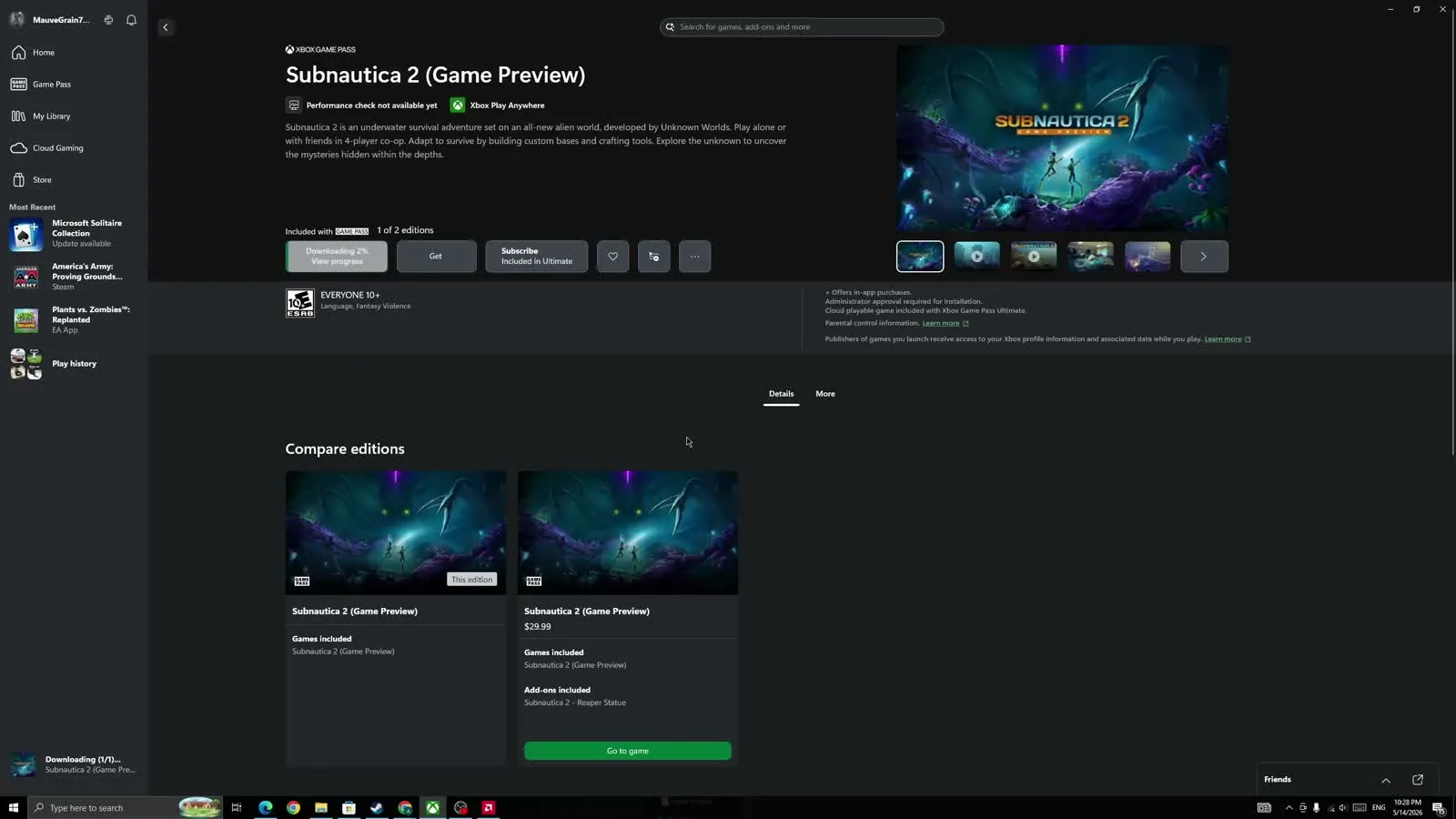
Step 1: Run via Steam (or add as Non-Steam Game)
The most consistent fix for players experiencing this is launching through Steam.
- Open your Steam Client.
- Go to your Library and locate Subnautica 2.
- Click the green Play button directly inside Steam.
If you are using a non-Steam version (or experiencing issues with your Epic copy), try adding the game to Steam:
- At the bottom-left of Steam, click Add a Game.
- Select Add a Non-Steam Game.
- Browse to your
Subnautica2.exeand add it. - Launch it from your Steam library.
Step 2: Verify Integrity of Game Files
Often, the .uproject error indicates that your download was corrupted or interrupted.
- Right-click Subnautica 2 in your Steam Library.
- Select Properties.
- Go to the Installed Files tab.
- Click Verify integrity of game files.
- Wait for Steam to scan and re-download any missing files (this usually takes 2-5 minutes).
Step 3: Install Visual C++ Redistributables
Unreal Engine 5 requires the latest Microsoft Visual C++ dependencies to run properly. If you just built a new PC or recently updated Windows, you might be missing them.
- Download the latest
vc_redist.x64.exefrom the official Microsoft website. - Install it and restart your computer.
Still crashing?
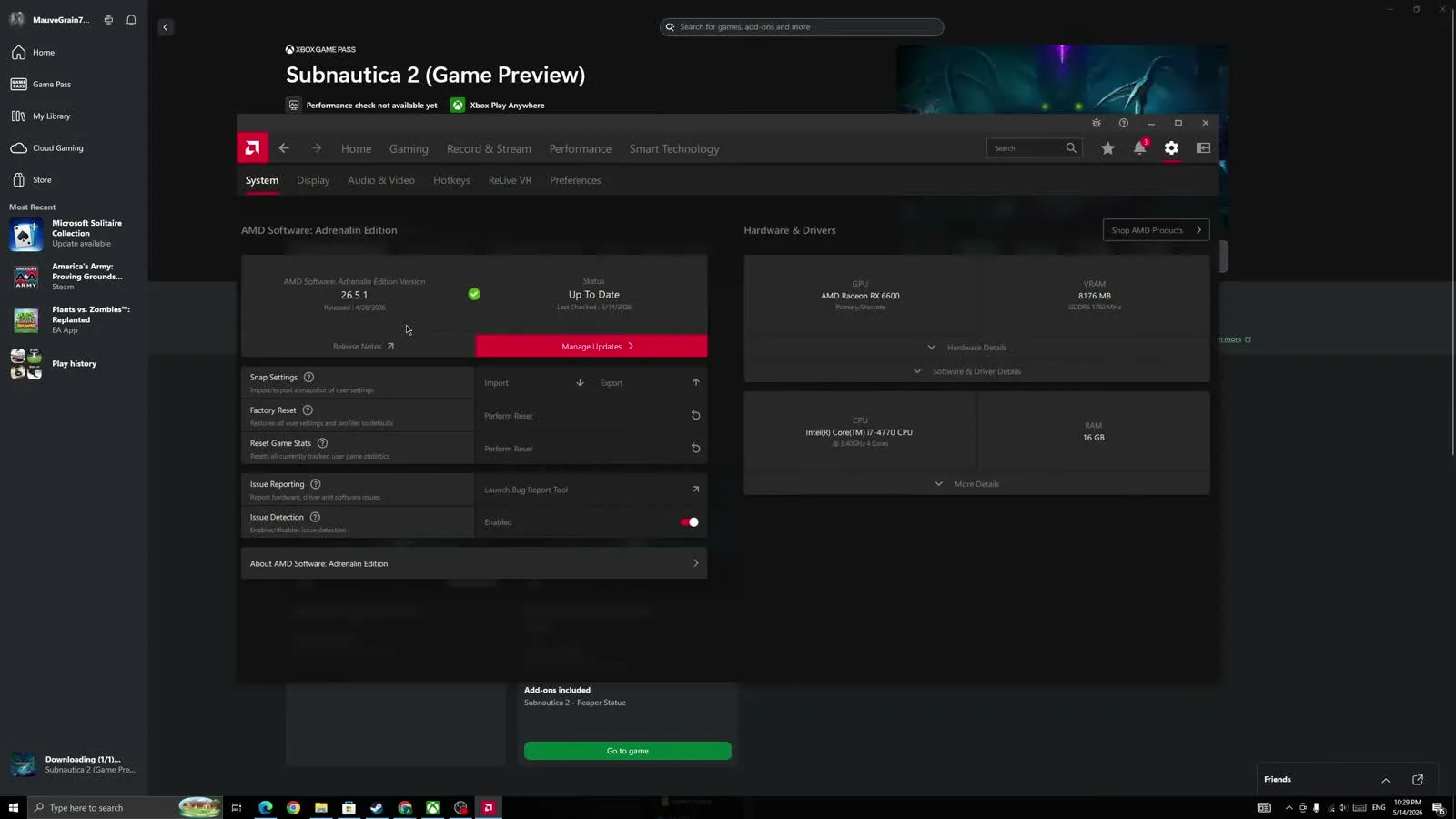
If none of the above fixes the subnautica2.uproject error, your PC might not meet the DirectX 12 hardware requirements for Unreal Engine 5. Make sure your GPU drivers (NVIDIA/AMD) are fully updated.
For more technical help, continue with the in-site tech-support hub updates as new verified pages are published.